Unit tests for Webhook
In development mode, you can unit-test the webhook as a standalone Node application. To test, run the webhook in test mode. In the installation folder, run:
npm install
npm test
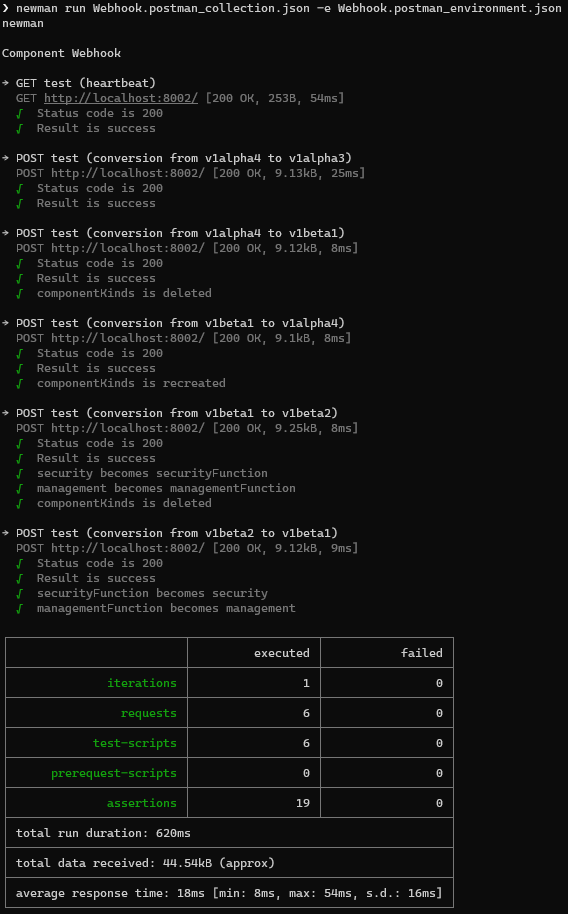
This will run the webhook in test mode running a http server on localhost:8002. You can then load the PostmanCollection and PostmanEnvironment in this folder and execute the tests. You can also run the tests from the command line using Newman. Open a second terminal window and run the following command:
To install newman (if not already installed):
npm install -g newman
To run the tests:
newman run Webhook.postman_collection.json -e Webhook.postman_environment.json
You should see the following output: